You haven't signed in yet, you can have a better experience after signing in
Radmin 3 professional remote control tool software 
Activity Rules
1、Activity time:{{ info.groupon.start_at }} ~ {{ info.groupon.end_at }}。
1、Activity time:cease when sold out。
2、Validity period of the Group Buying:{{ info.groupon.expire_days * 24 }} hours。
3、Number of Group Buying:{{ info.groupon.need_count }}x。
Please Pay Attention
1、Teamwork process: Join/initiate a Group Buying and make a successful payment - Within the validity period, the number of team members meets the activity requirements - Group Buying succeeded!
2、If the number of participants cannot be met within the valid period, the group will fail, and the paid amount will be refunded in the original way.
3、The number of people required and the time of the event may vary among different products. Please pay attention to the rules of the event.
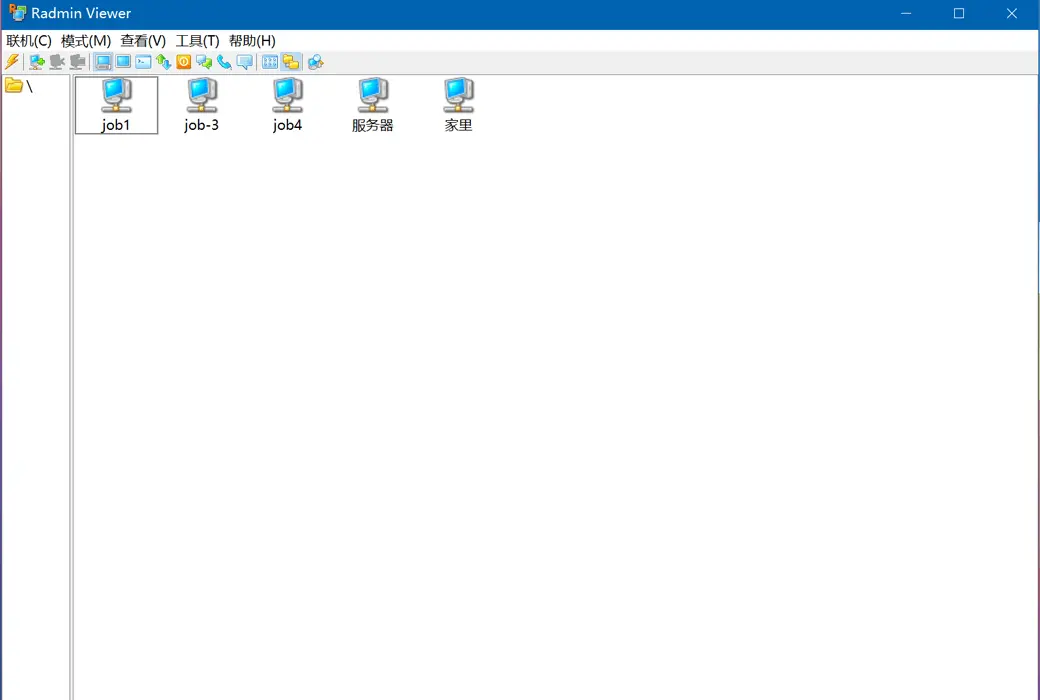
The professional remote control software Radmin can easily achieve unmanned remote computers and servers, allowing you to quickly access remote PCs no matter where you are.
Radmin is the most secure and reliable remote access software product today, with over 100000 companies worldwide choosing Radmin to provide remote technical support for their employees. The government, military, technical experts, and financial organizations rely on their strong capabilities.
Radmin is a must-have tool for every IT professional.
Radmin has the highest operating speed, and using a remote computer is like using a local computer. Its special low bandwidth optimization function allows for smooth remote control of computers when using 3G networks.
Radmin's security capabilities are fully built-in. When Radmin is used, all transmitted data is encrypted and protected by the Advanced Encryption Standard 256 bit (AES-256). In the 17 years since Radmin's birth, there have been no loopholes.
The installation and update speed of Radmin is fast, and the relevant instructions are clear and clear. For large network administrators, the preset Radmin can be automatically installed on the user's PC through a special free utility.


Official Website:https://www.radmin.com
Download Center:https://radmin.apsgo.cn
Delivery Time:Automatic delivery within 24 hours
Operating Platform:Windows
Interface Language:Supports Chinese interface display, with multiple languages available.
Update Instructions:Supports free updates for sub-versions.
Trial Before Purchase:30-day free trial with full functionality before purchase.
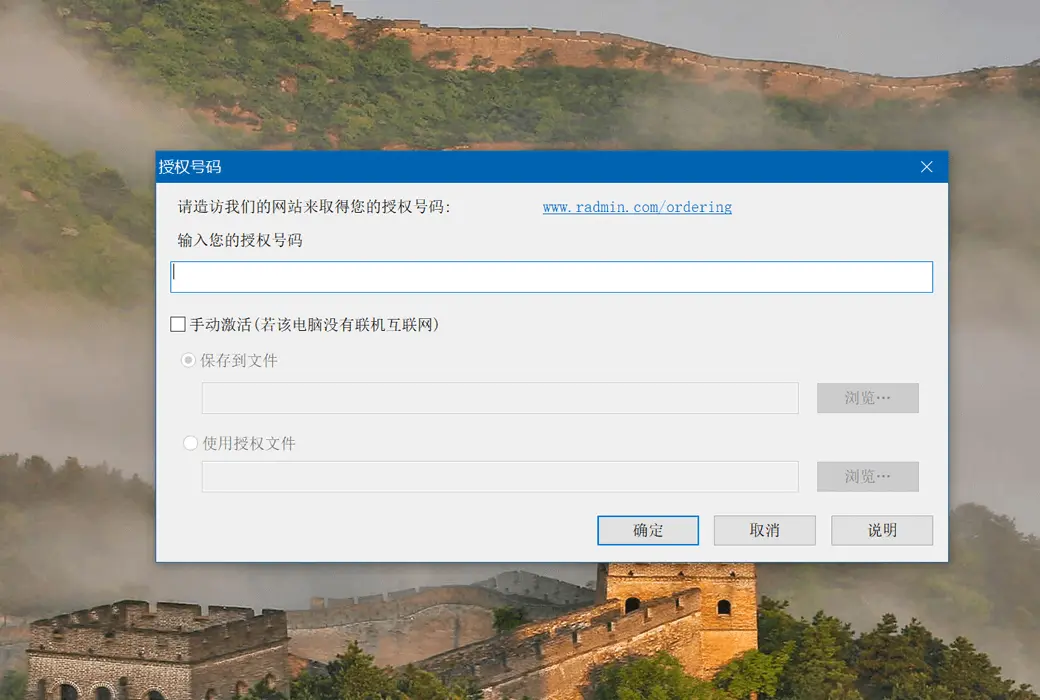
How to Receive the Product:After purchase, activation information will be sent to the email provided during the order process. Additionally, you can view the corresponding product activation code in your personal center, under "My Orders".
Number of Devices:Based on the subscription package ordered.
Computer Replacement:Not supported.
Activation Guide:To be added.
Special Instructions:To be added.
References:https://www.radmin.com

Any question
Radmin 3 has no special hardware requirements. If your computer is capable of running Windows 95 or later, Radmin Viewer 3. x will run. It can even run on 8 computers with 486 MB RAM.
Radmin Viewer 3. x requires:
Will be in Windows 10/8/7/Vista/XP/2012/2008/2003/2000 (32-bit) and; Run on Windows 11/10/8/7/Vista/XP/2025/2022/2019/2016/2012/2008/2003 (64 bit)
Radmin Server 3. x requires:
Will be in Windows 10/8/7/Vista/XP/2012/2008/2003/2000 (32-bit) and; Run on Windows 11/10/8/7/Vista/XP/2025/2022/2019/2016/2012/2008/2003 (64 bit)
Running Voice Chat requires a sound card, speakers, and microphone.
Even if the monitor, mouse, and keyboard are not connected to the remote computer, Radmin will still run successfully. However, some computers cannot start successfully without a keyboard inserted.
For all operating systems (2000/2003/2008/2012/2016/2022/2025 servers/XP/Vista/7/8/10/11):
Computers should be installed with TCP/IP (the most commonly used protocol for networked computers).
Windows NT 4.0 operating system:
Service Pack 6 or higher is required.
Windows 2000/2000 SP4/2003/2008/2012/2016/2022/2025 Server/XP/Vista/7/8/10/11:
Installing Radmin Server requires administrator privileges or elevated privileges.